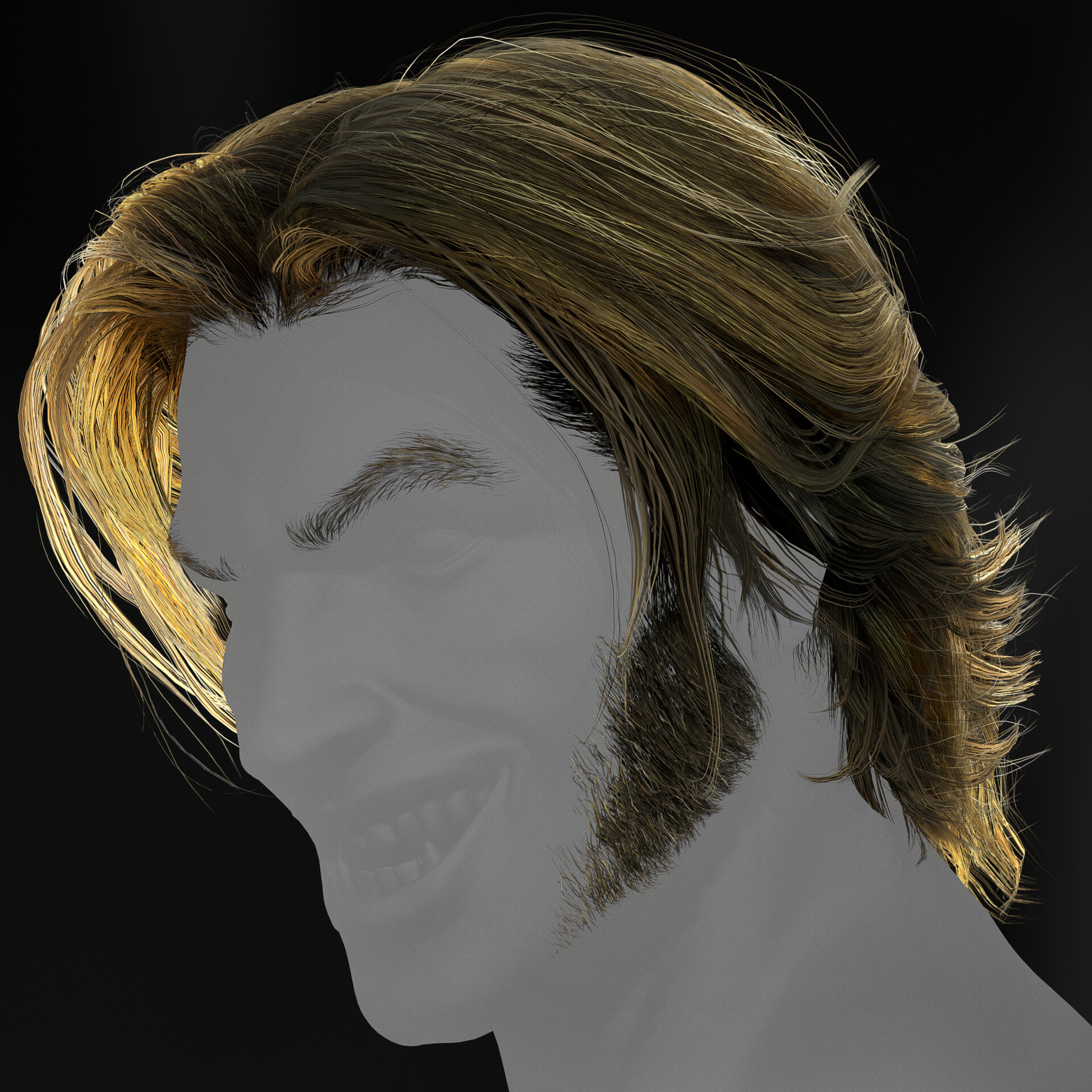
Real Time Hair
IG: www.instagram.com/somuch3d/
Hi everyone. So after watching and studying hair via tutorials and reference for a couple of weeks, I found a combination of methods and tutorials from a few exceptional artists and kind of created my own work-flow. After aggregating a lot of reference I dove into Zbrush, Made the hair with Xgen in Maya along with all the hair cards and placement, then after doing that for 180 hours of trial and error, staged and lit in Marmoset.
Links to great artist and the tutorials that helped me
@adam skutt
https://www.artstation.com/artwork/02anK
@Avinash Pande
https://www.artstation.com/artwork/eadOzZ
I skipped a couple of steps in this one, but this is the core of my work flow when it comes to card placement.
the great nimlot. his understanding of character likeness, hair and hair flow is unrivaled.
https://www.artstation.com/artwork/6aa5gV
https://www.artstation.com/marketplace/p/k0z/real-time-hair-tutorial
great reference!
https://www.artstation.com/artwork/5XKPZP
@Aloke Saha
https://www.artstation.com/artwork/18wEBo

total poly count of hair: 38k

Here is the sculpt I did in zbrush. Nothing special but it serves as a guide for the next steps and it gave me physical reference to create on. Took maybe an hour or less.

These are the strands made in Maya Xgen. I made a lot of strands as I was trying to consider all the areas I'd need variety. Moving forward, I'll create less. This takes time. plus all the other textures. also used Xnormal for normal map creation.

First steps. Pretty easy and basic but essential.

Once you have the tools installed, take a look at all the fun and helpful extra options you now have at your disposal. For this project CURVE to RIBBON MESH is your friend.

Line up those UVs and tweak the ribbon parameters to curve or widen the hair cards. Also get creative with combining some hair cards for new strands. Rotate and place parallel to create a hair strands with depth.

While placing base cards, keep in mind the silhouette. At all times the silhouette must have variety, uniqueness and plenty of break up. Use the thin strands to create wispy fly-away hairs to help with this. Create unique outer layers for break up.
and these are the 3 primary layers in which I made the hair. It took a long time but I'm happy so far. Sideburns and eye brows were all manual placement.